
Abdullah Mamun
Joined - September 2023

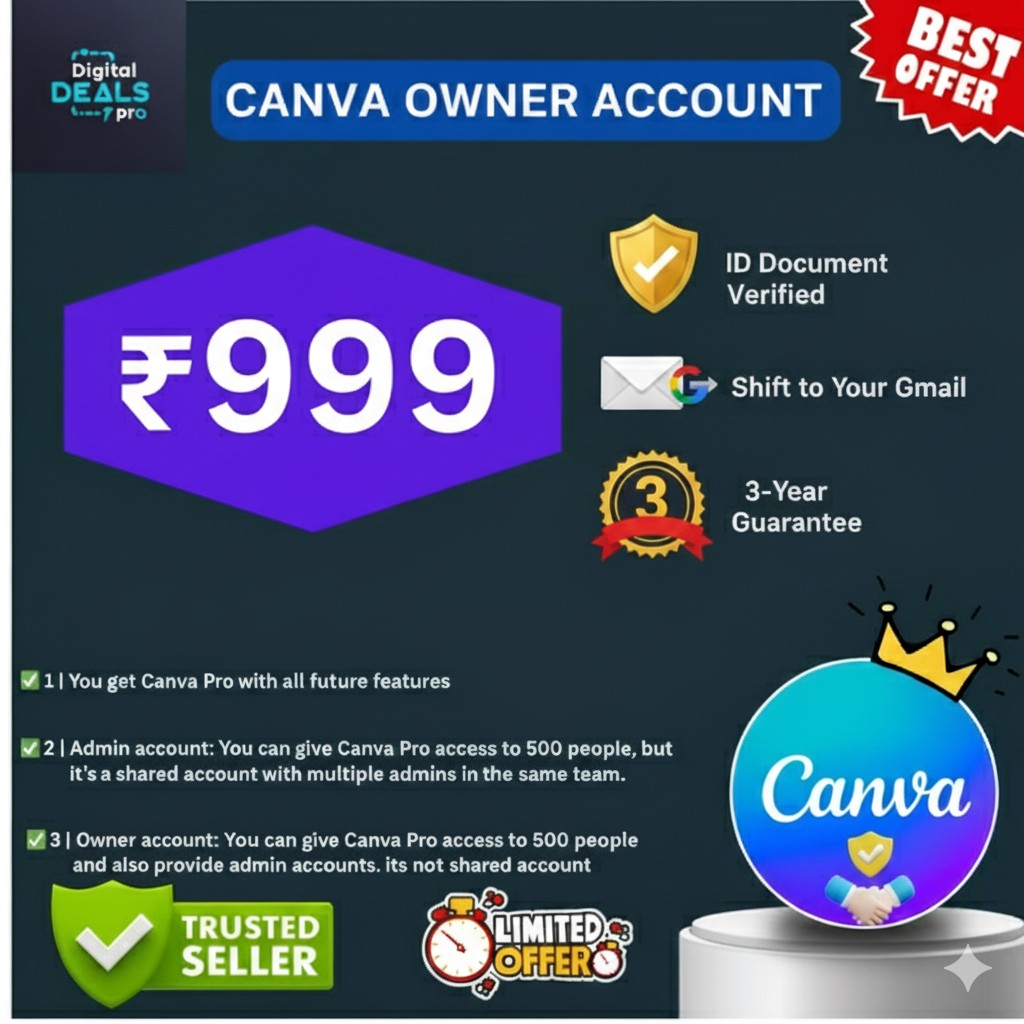
👑 Canva Owner Account – Full Control for Agencies & Growing Teams
If you manage large teams, run an agency, or need complete control over your design workspace, Canva Owner Account is the most powerful Canva access available.
It is designed for business owners, agencies, institutes, and professional resellers who require advanced management features beyond standard team access.
Unlike personal or admin-level access, the Owner account gives you top-level control—allowing you to manage users, assign admins, and scale your design operations efficiently.
🎨 What Is a Canva Owner Account?
A Canva Owner Account is the highest level of access in Canva, created for organizations that need complete authority over their workspace.
With Owner access, you can:
Control team structure
Create and manage admins
Oversee large numbers of users
Maintain organized, professional workflows
This makes it ideal for long-term business use.
✨ Key Features of Canva Owner Account
With Canva Owner access, you unlock advanced management capabilities:
✅ Full ownership and account control
✅ Create and manage admin users
✅ Manage large teams from one dashboard
✅ Premium templates, fonts & design assets
✅ Structured collaboration for teams
✅ Cloud-based access (no installation)
✅ Works across desktop, tablet & mobile
These features are designed for scalability, control, and professionalism.
👥 Who Should Choose Canva Owner?
Canva Owner Account is best suited for:
🏢 Creative agencies & marketing firms
🎓 Institutes, coaching centers & training teams
📊 Businesses with large design teams
🎨 Professional resellers & service providers
📱 Organizations managing multiple clients
If Canva Admin feels limiting for your scale, Canva Owner is the right upgrade.
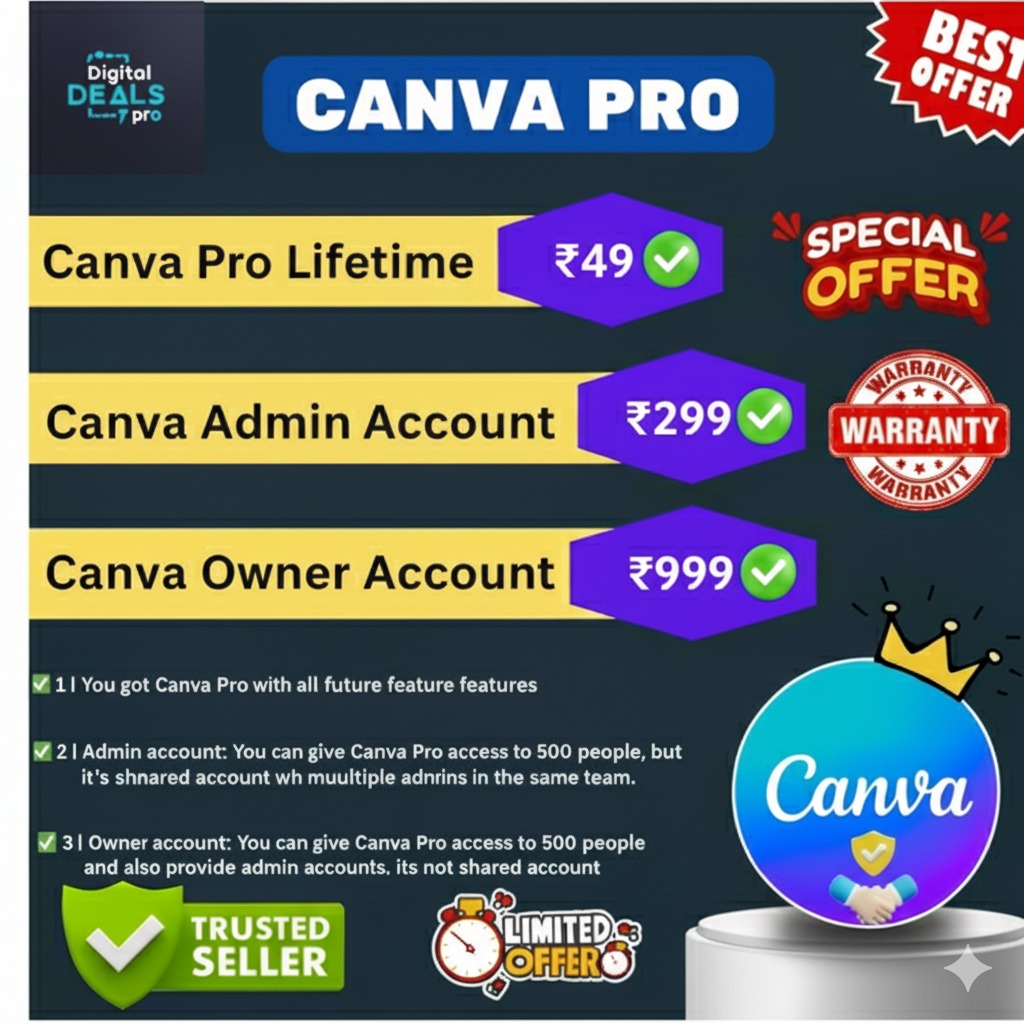
🆚 Canva Pro vs Admin vs Owner (Quick Guide)
Canva Pro – Personal use, single user
Canva Admin – Team collaboration, shared control
Canva Owner – Full control, admin creation, large teams ✅
👉 For serious business operations, Owner access offers the most flexibility.
🔐 Usage & Access Notes (Important)
✔ Designed for large teams and agencies
✔ Suitable for advanced collaboration
✔ Long-term business use
❌ Not required for personal-only use
If you work alone or with a small team, Canva Pro or Admin may be sufficient.
🚀 Need a Lower Plan?
👉 Canva Admin Account – for small teams & collaboration
👉 Canva Pro Account – for personal creative work
You can upgrade anytime as your needs grow.
💬 Need Help Choosing the Right Plan?
Not sure whether Canva Pro, Admin, or Owner fits your requirements?
📲 Chat with us on WhatsApp for instant guidance
We’ll recommend the best option based on your use case.
👉 https://wa.me/message/JKTEWBUXGNSYB1
🌐 Why Buy from Weblanca?
Weblanca (Digital Deals Pro) focuses on clarity and genuine guidance.
✔ Trusted digital products
✔ Clear usage explanations
✔ Instant activation support
✔ Easy upgrade options
✔ Human support via WhatsApp
Our goal is to help you choose the right Canva plan, not oversell.
🏁 Final Takeaway
If you need full control, structured team management, and scalability, Canva Owner Account is the most suitable option.
It provides the authority and flexibility required for professional and organizational use.
👉 Upgrade to Canva Owner Account and manage your design operations with confidence.
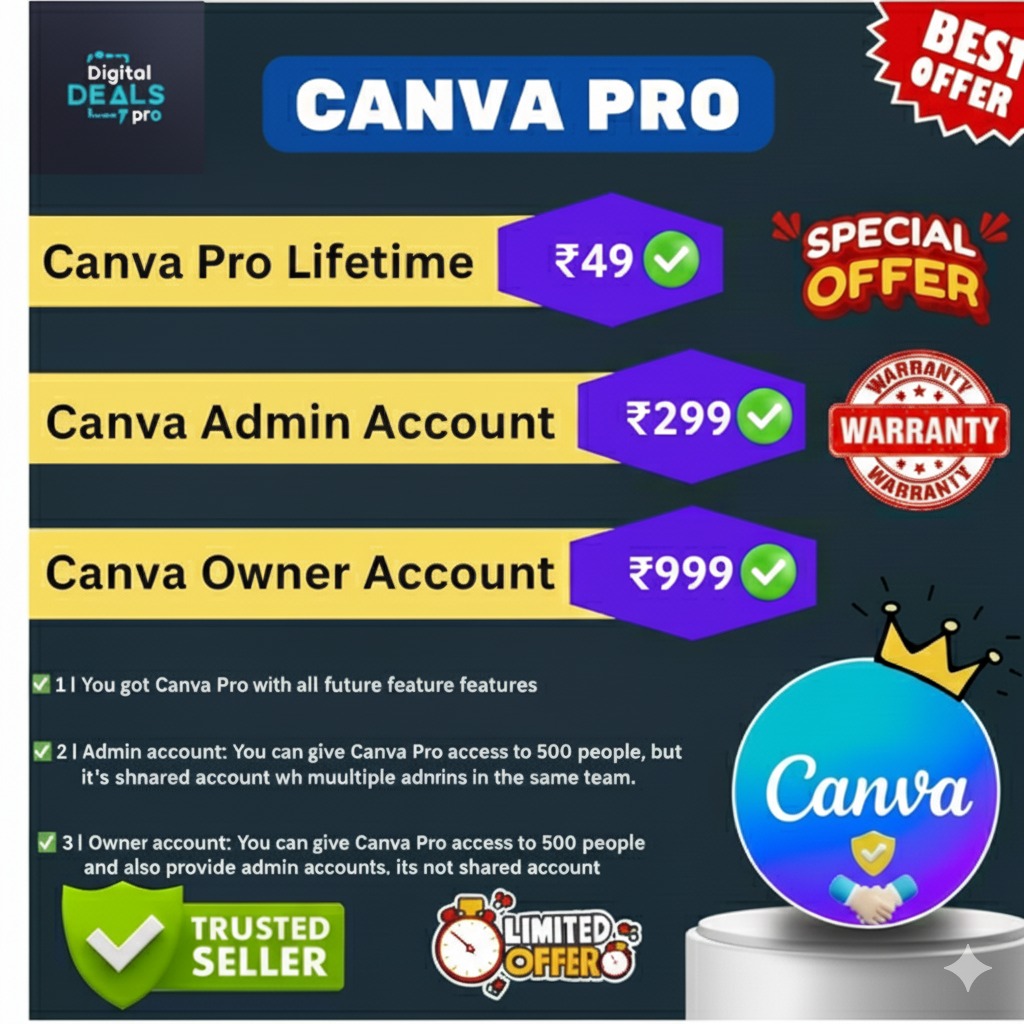
🔹 SIMPLE COMPARISON TABLE (Text-based) Choose the Right Canva Account
Canva Pro – Personal use, single user
Canva Admin – Team access, small reselling
Canva Owner – Full control, admin creation
👉 Not sure which one fits your need?
📲 Chat with us on WhatsApp for guidance
🔥 Canva Owner Account – Full Control & Advanced Team Management | Weblanca is a professional digital software solution designed to support business automation, marketing operations, and productivity, depending on the product’s features and configuration.
License terms depend on the selected plan or variant. Please review the pricing and license details provided on this product page before purchasing.
Yes. The product is safe to use when operated according to the official documentation and recommended usage guidelines.
Update availability and support coverage vary by product type and license. Exact details are mentioned in the product information section.
Reselling is permitted only for licenses that explicitly include reseller or source-code rights. Please verify the license type before resale.

By Abdullah Mamun In Image
$0.5
By Abdullah Mamun In Image
$3
Stay updated with the latest digital products, AI tools, templates & software deals. Get tips, offers & business-boosting strategies straight to your inbox!
Up to Top
Comments