
Abdullah Mamun
Joined - September 2023

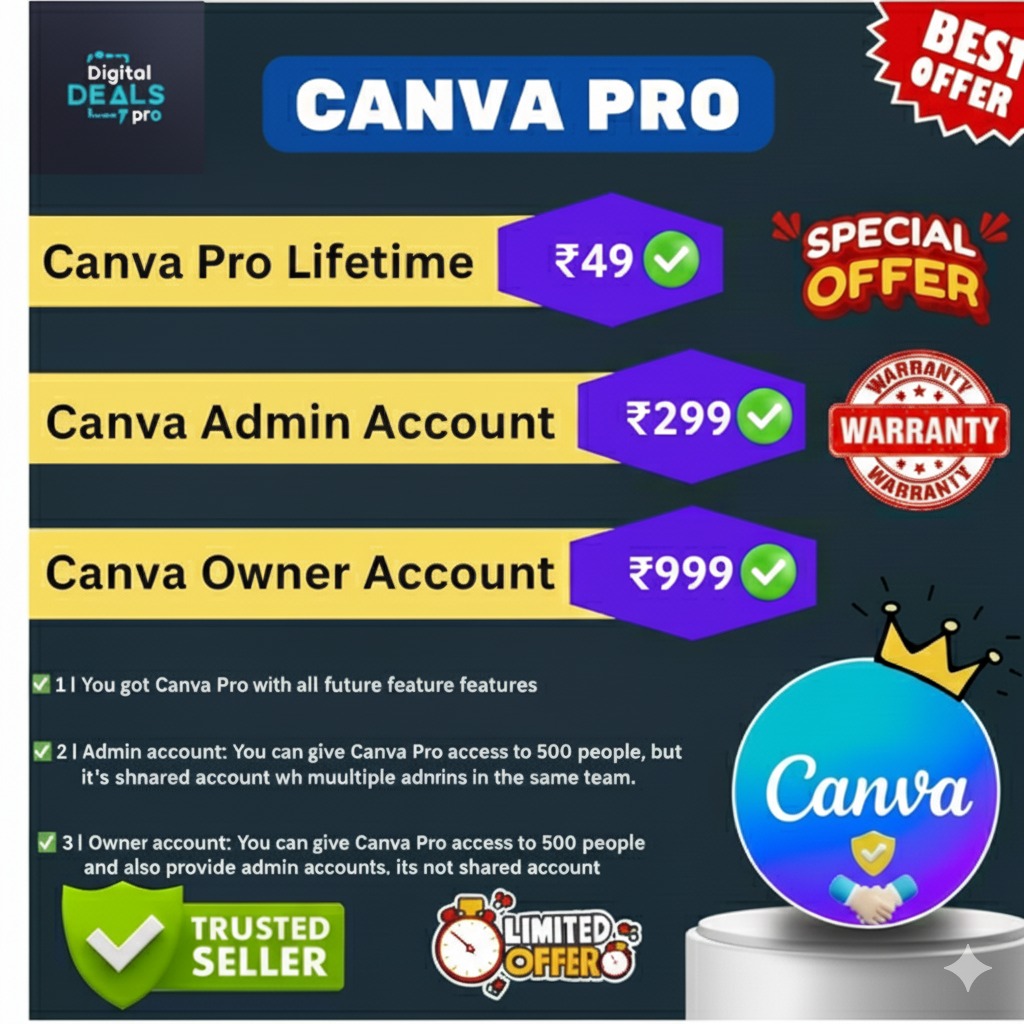
🎨 Canva Admin Account – Smart Team Access for Growing Businesses
If you manage a team, work with clients, or handle multiple design projects, Canva Admin Account is the right upgrade from basic Canva Pro.
It is designed for freelancers, agencies, educators, creators, and small businesses that need structured team access instead of single-user limitations.
With Canva Admin, you can manage users in one place, collaborate easily, and keep design work organized—without complex software or technical skills.
🔍 What Is a Canva Admin Account?
A Canva Admin Account gives you team-based access to Canva’s premium design tools.
Unlike personal Canva Pro accounts, Admin access allows controlled collaboration across multiple users within one team workspace.
It is ideal for people who work with:
Clients
Students
Team members
Design collaborators
All designs stay organized, editable, and accessible in one shared environment.
✨ Key Features of Canva Admin Account
With Canva Admin, you get everything needed for smooth team design management:
✅ Team-based Canva Pro access
✅ Add and manage multiple users
✅ Shared workspace for designs
✅ Premium templates, fonts & elements
✅ Easy collaboration and editing
✅ Cloud-based access (no installation needed)
✅ Works on desktop, tablet & mobile
These features make Canva Admin suitable for both creative work and business operations.
👥 Who Should Choose Canva Admin?
Canva Admin Account is best suited for:
🎨 Freelancers managing multiple client projects
📱 Social media managers & marketers
🏢 Small agencies & design studios
🎓 Coaches, trainers & institutes
📊 Business owners with internal teams
If Canva Pro feels limited for your workflow, Canva Admin provides better structure and flexibility.
🆚 Canva Pro vs Canva Admin (Quick Comparison)
Canva Pro
Best for personal use
Single-user focused
Limited team control
Canva Admin
Designed for teams & collaboration
Multi-user management
Better for agencies and shared projects
👉 If you work alone, Canva Pro is enough.
👉 If you work with others, Canva Admin is the smarter choice.
🔐 Usage & Access Notes (Important)
✔ Suitable for team and collaborative use
✔ Ideal for freelancers and agencies
❌ Not intended for personal-only workflows
❌ Not full ownership level (for that, see Canva Owner)
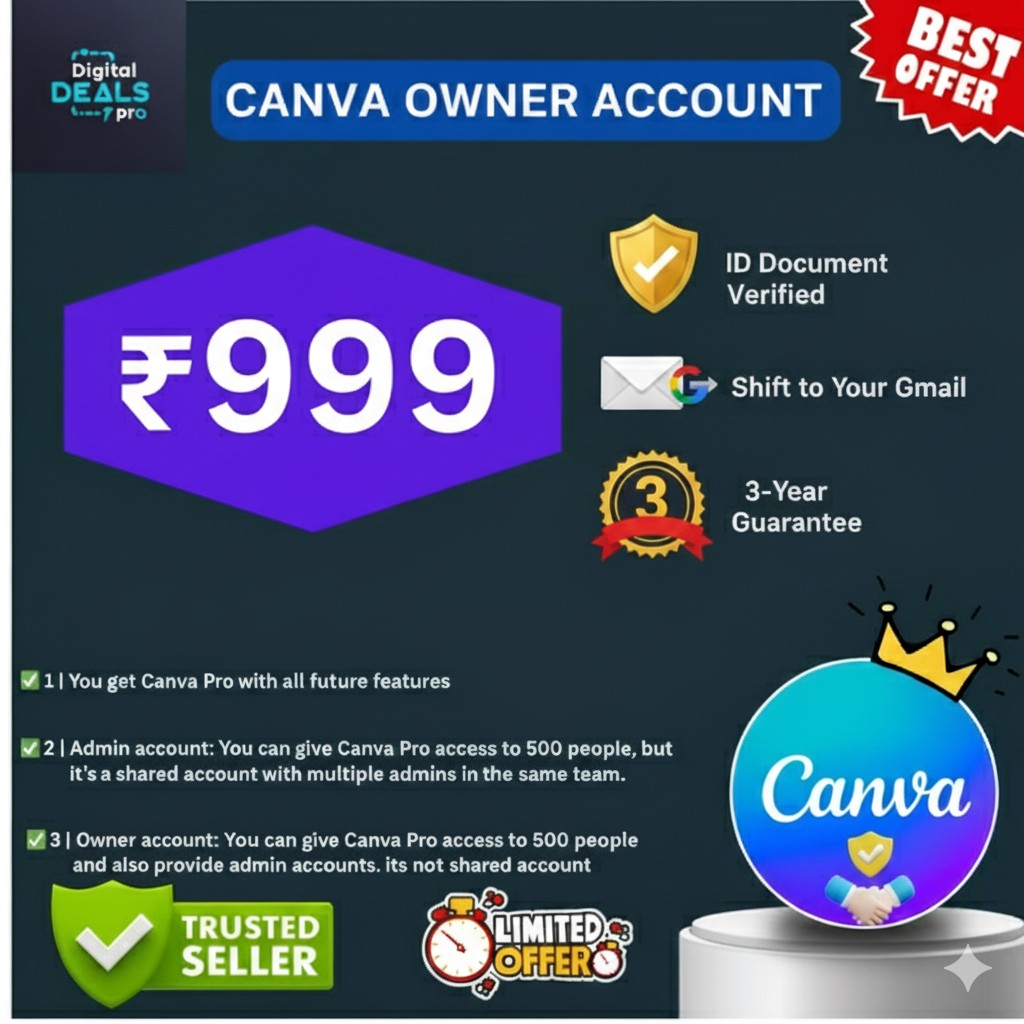
If you need full control, admin creation, or large-scale management, consider upgrading to Canva Owner Account.
🚀 Upgrade Option – Need Full Control?
Managing a larger team or scaling your operations?
👉 Canva Owner Account offers:
Full account control
Admin creation
Advanced team management
📈 Best for agencies and long-term scalability.
💬 Need Help Choosing the Right Canva Plan?
Not sure whether Canva Pro, Admin, or Owner fits your needs?
📲 Chat with our support team on WhatsApp
We’ll suggest the best option based on your use case.
👉 https://wa.me/message/JKTEWBUXGNSYB1
🌐 Why Buy from Weblanca?
At Weblanca (Digital Deals Pro), we focus on clarity, guidance, and verified access.
✔ Trusted digital products
✔ Clear usage guidance
✔ Instant activation support
✔ Easy upgrade options
✔ Real human support via WhatsApp
We help you choose the right plan, not just sell blindly.
🏁 Final Takeaway
If you collaborate with others, manage clients, or handle multiple design workflows, Canva Admin Account is a practical and efficient upgrade.
It offers better organization, smoother collaboration, and professional flexibility—without complexity.
👉 Upgrade your design workflow today and manage your team more efficiently.
🔹 UPSELL BOX (Design + Copy)
🚀 Want Full Control & Admin Rights?
Canva Admin is perfect for small teams.
If you need full ownership, admin creation, and larger team control, the Canva Owner Account is the best upgrade.
✅ Full control over the account
✅ Create & manage admins
✅ Ideal for agencies, institutes & large resellers
👉 Upgrade to Canva Owner Account (₹999)
(Best for scaling teams & businesses)
🌐 Buy Now on: 👉 https://weblanca.com/product/canva-owner-account
🔥 Canva Admin Account – Team & Multi-User Access for Businesses | Weblanca is a professional digital software solution designed to support business automation, marketing operations, and productivity, depending on the product’s features and configuration.
License terms depend on the selected plan or variant. Please review the pricing and license details provided on this product page before purchasing.
Yes. The product is safe to use when operated according to the official documentation and recommended usage guidelines.
Update availability and support coverage vary by product type and license. Exact details are mentioned in the product information section.
Reselling is permitted only for licenses that explicitly include reseller or source-code rights. Please verify the license type before resale.

By Abdullah Mamun In Image
$0.5
By Abdullah Mamun In Image
$10
Stay updated with the latest digital products, AI tools, templates & software deals. Get tips, offers & business-boosting strategies straight to your inbox!
Up to Top
Comments